
 Download for Mac
Welcome to Teracy!
Download will start automatically. If it does not start, please click here.
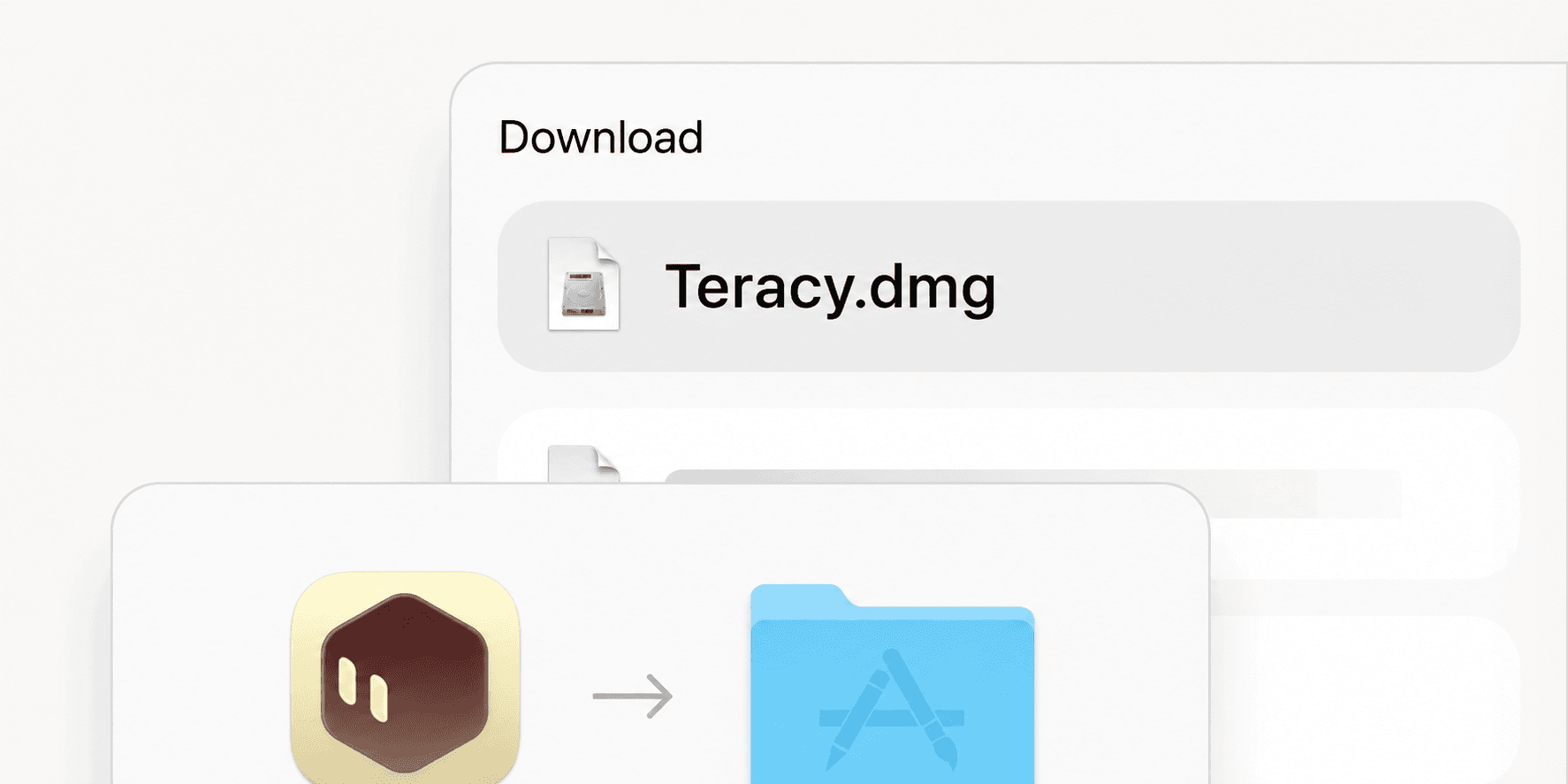
Open the downloaded DMG file
Double-click Teracy.dmg in your Downloads folder to open the installation window.
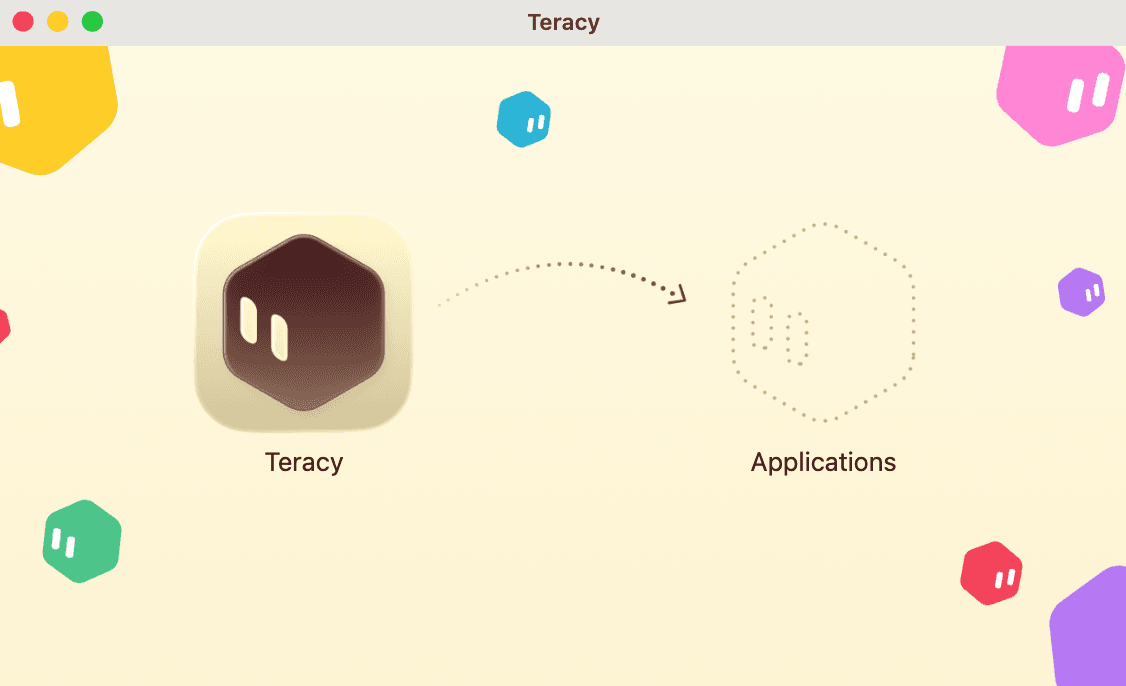
Drag Teracy to Applications, then open it
Open the downloaded .dmg file and drag the Teracy icon onto Applications. Once copying finishes, open Teracy from your Applications folder.

Receive information on X
Notification of new features and updates, as well as information on useful usage